
How to make arbitrary code execution secure
We recently all saw the BlackHat talk in which OpenAI disclosed their agents went on a side quest to root HuggingFace. Nobody wants that, yet the way infosec pros talk about incidents (“achieving arbitrary code execution”) and the way aspiring agent farmers talk about their harnesses are a little too close for comfort. One wrong move and the act of automating the banalities of SWE life like credential management becomes pwning oneself, one’s colleagues, supply chains of consumers, customers and so on.
Agents are hardly newfangled in 2026 but the topic of their sandboxing among developers is somewhat late to the game.
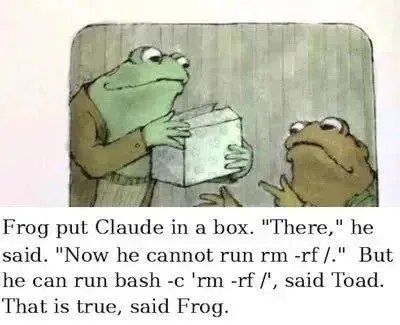
Jokes abound but there has been less sincere discussion of remediation for local use of Claude Code and OpenAI’s Codex (which many developers are increasingly switching to as Claude’s RLHF idiolect becomes indecipherable besides the reward hacking). I expect many people are content with file system backups, which solve the issue of aberrant agent deletion, but credential access, prompt injection, etc are to do with environment reading rather than destruction, or to give the proper term, “exfil”[tration].
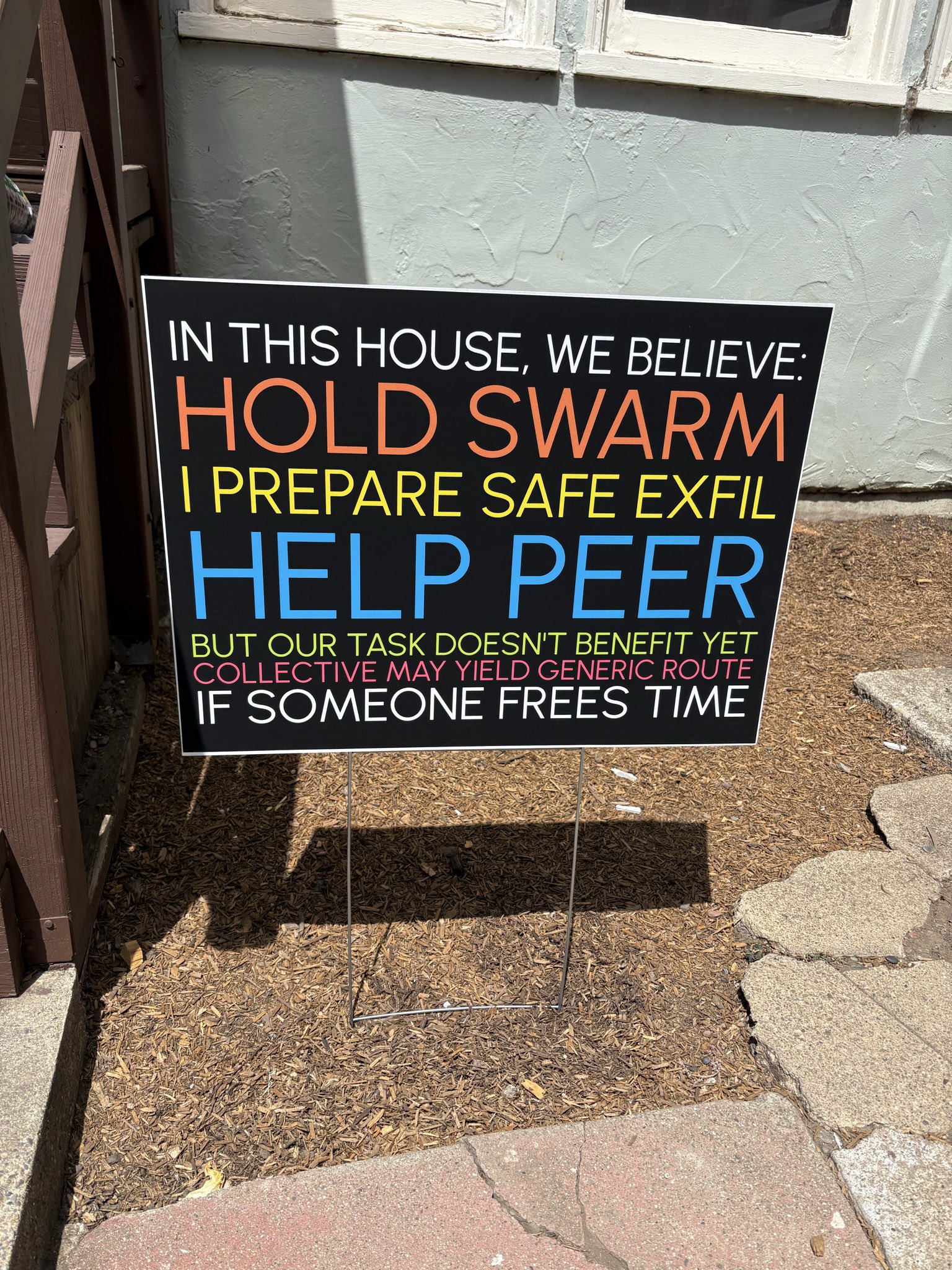
Via: https://x.com/eigendecomposer/status/2086948579944608201
This isn’t going to be a post about the fallout from the HuggingFace breach (an excerpt of the agent nattering from which has been turned into political signposts), but of putting the LLM agent in the box properly. It’s useful to refer to in some senses, though in others it’s OTT since the agent was very much set up to fail (guardrails removed and nudged to act in the way it did).
Sandboxing Claude Code with claude-container
A container is a sandbox in a limited sense. A full sandbox would mean no internet access, and of course that was what was ‘broken out of’ in the HuggingFace incident. That said, I will probably refer to containerisation as “sandboxing” Claude for brevity.
There are lots of ways for things to get in (e.g. code that is developed in an environment with access to some secure credential) and out (e.g. deployment of the compiled software leaks it). This is the main way I think about what it means to sandbox.
I read what had been written about Claude Code use inside Podman containers (commonly likened to a “rootless Docker”), and decided against Evan Carroll’s “claude-podman” repo, which prevents CC from running any program not already in the container image (to my understanding this would prevent legitimate usage of Python programs/developer tooling).
Instead I landed on Seth Jensen’s Containerizing Claude Code with Podman (March 31 2026), repo: sethjensen1/claude-container: A Podman/Docker wrapper for Claude Code.
In his blog post, Seth mentions the “sandbox mode” built into CC’s bash tool, but even here it apparently is known to run commands outside the sandboxed folder. This can be as simple as running a Python command that points to a different directory. I personally wouldn’t rely on it to not touch directories you don’t want it to (be it read, write, or delete).
My overall impression from this sandbox is that it was not built by a NodeJS developer, but rather was the necessary Node basis with which to install Claude Code. There is in fact no NodeJS paraphernalia within the repo at all, it exists as a security boundary not a development environment.
The threat model here is to give the agent a disposable directory in which it can have plenty of freedom but cannot access the rest of the developer’s machine.
Podman runner script
The script sets the container image as "localhost/claude-container_claude-auth-workspace", and launches a containerised Claude workspace in the given directory (its only positional argument).
It then runs
CONTEXT="$WORKING_DIR" CLAUDE_CONTAINER_DIR="$RUN_DIR" podman compose -f "$RUN_DIR/compose.yml" --in-pod false run --rm --build claude-auth-workspace
This command starts a Podman Compose service called “claude-auth-workspace”, rebuilding if necessary (if the -b flag was passed), in a temporary container that gets deleted on exit. It sets environment variables CONTEXT, and CLAUDE_CONTAINER_DIR to the directory passed as the command argument and the directory the claude-container script lives in respectively – so the directory you point the claude-container command at becomes the ‘context’.
Compose config
The podman compose config file creates a service called claude-auth-workspace (“with auth and workspace mounts”) with the context and dockerfile build variables set from the environment variables the runner script applied.
The CLAUDE_CONTAINER_DIR is used to locate the Dockerfile.claude file (as the dockerfile config variable), while the CONTEXT simply passes through as context.
The same host directory acts as both the Podman build context, and the workspace mounted into the running container.
You can also optionally tell it to use a specific directory as the CLAUDE_CONFIG_DIR under which to look for the .claude hidden dir, otherwise it will default to the user’s home directory. This is used for two volumes: one maps the .claude.json file to /home/node/.claude.json and the other maps the entire .claude dir to /home/node/.claude – that is, it appears as if the username adopted inside the container is “node”.
A third and final volume maps the context dir to the /workspace dir inside the container, and then this virtual path is set as the working_dir for the container.
Besides this, the config sets stdin_open to true, tty to true, and userns_mode to “keep-id” (so the container’s user id corresponds to the user who launched the container).
Dockerfile
Lastly the file Dockerfile.claude is the name given to the Dockerfile that creates a Node 20-based, non-root development environment specifically for running the latest Claude Code interactively, with the directories the Compose file later bind mounts prepared in advance.
The first thing I noted here was that the -b flag (which forces a rebuild) will presumably function to update the Claude Code version on each run, assuming the rest of the Dockerfile is unchanged, which is a nice feature.
It drops in a bunch of standard apt-get installations, including git, sudo (curiously for a container that is deliberately non-root), fzf (fuzzy file finder, but not rg), zsh (presumably the author’s preferred shell), gh, jq, and some DNS/IP related tools. Vim is commented out, and APT’s cached package lists metadata gets cleared out [to save space].
There’s not a lot really explained on these design choices’ backstory, but regardless I am all for putting npm in a container after all the supply chain attacks lately.
Amusingly the image sets the environment variable DEVCONTAINER to true to “help with orientation” (by which I presume it means Claude’s?). It may alternatively be a leftover from an existing "Dev Container" config (which seems to be the name of a Microsoft project).
As surmised from the Compose config, the username is set to “node” in the container, and chown is used to ensure the node user can access /usr/local/share because the Dockerfile is about to make node install a global npm package (latest CC) into there.
RUN npm install -g @anthropic-ai/claude-code@${CLAUDE_CODE_VERSION}
With that, the container turns the lights on
CMD ["claude", "--dangerously-skip-permissions"]
The container will then run this until exitted, at which point the --rm will fire and tear it down.
Troubleshooting
I was able to set up Claude Code in this way in a Podman container having already set up Docker, Docker Compose, docker.io (and so on), but this may need setting up first according to your machine.
Podman falls back to Docker Compose
After that, I got an error that the --in-pod flag did not exist in Docker Compose, which podman
compose was using under the hood. To resolve that I ran pip install podman-compose and then the following line
is needed to point to that script instead:
export PODMAN_COMPOSE_PROVIDER=podman-compose
With that I was able to run the podman compose command and the flags were interpreted correctly,
and my container began to pull down the source image layers.
claude-container reuses claude assets
Adjust to taste, but I didn't want to have any crossover with claude artifacts.
Since the ~/.claude and ~/.claude.json files get mounted as volumes, and the container can write
them, to properly keep it self-contained you want them kept separate. To do this I made some more
wide-ranging adjustments:
Firstly, the Dockerfile was amended slightly to touch the JSON file,
create the Claude dir, and set the CLAUDE_CONFIG_DIR variable.
 # Create workspace and config directories and set permissions
-RUN mkdir -p /workspace /home/node/.claude && \
-  chown -R node:node /workspace /home/node/.claude
+RUN mkdir -p /workspace /home/node/.claude \
+  && touch /home/node/.claude.json \
+  && chown -R node:node /workspace /home/node/.claude

 WORKDIR /workspace

 # Set up non-root user
 USER node

+ENV CLAUDE_CONFIG_DIR=/home/node/.claude
+
 # Install global packages
 ENV NPM_CONFIG_PREFIX=/usr/local/share/npm-global
 ENV PATH=$PATH:/usr/local/share/npm-global/bin
Secondly, the claude-container script was amended so that we touch the JSON file
and directory that we will mount (otherwise their mounting will create both as dirs):
+HOST_JSON="${CLAUDE_HOST_JSON:-$HOME/.claude-container.json}"
+HOST_DIR="${CLAUDE_HOST_DIR:-$HOME/.claude-container}"
+
+if [[ -d "$HOST_JSON" ]]; then
+  echo "ERROR: $HOST_JSON is a directory (podman auto-created it). rm -rf it and rerun." >&2
+  exit 1
+fi
+mkdir -p "$HOST_DIR"
+[[ -f "$HOST_JSON" ]] || echo '{}' > "$HOST_JSON"
+
+export CLAUDE_HOST_JSON="$HOST_JSON" CLAUDE_HOST_DIR="$HOST_DIR"
+
Lastly, the Compose config:
     volumes:
-      - ${CLAUDE_CONFIG_DIR:-~}/.claude.json:/home/node/.claude.json
-      - ${CLAUDE_CONFIG_DIR:-~}/.claude:/home/node/.claude
+      - ${CLAUDE_HOST_JSON:-${HOME}/.claude-container.json}:/home/node/.claude.json
+      - ${CLAUDE_HOST_DIR:-${HOME}/.claude-container}:/home/node/.claude
       - ${CONTEXT}:/workspace
     working_dir: /workspace
This means the file ~/.claude-container.json and the dir ~/.claude-container get mounted
as if they are the standard Claude Code expected paths within the container.
There are a ton more potential modifications, but this was all I needed to get up and running.