
Git commits in the browser
This weekend I was using my iPad and wishing I didn't have to go spin up my interactive localhost FastAPI app to track a URL for a PyPI package on the Trusty Pub site. I had an idea that it might already be possible, just not a common way of doing things, and indeed it turned out to be fairly trivial to implement.
In short this approach allows a browser to send commits to a git repo on GitHub, and therefore to trigger a rebuild of the GitHub Pages site being browsed, "closing the loop" thus turning a static site into a quasi-dynamic one; a GitHub Pages deployment (on GitHub Actions CI) behaving like a server.
Keep git simple
My initial thought was that to achieve this I'd need to use something like isomorphic-git, which would mean handling the git commit and push operations within a JS framework (there is also wasm-git). In fact you can also handle multiple files in one API call via the blobs API, so no need to leave the GitHub ecosystem here (but good to know).
After some preliminary research, I found that pushing a git commit to GitHub would require auth,
so I'd need to verify my GitHub identity through a GitHub OAuth App (hitting the https://github.com/login/oauth/authorize endpoint in the web app).
If I was going to do that, I might as well go via the GitHub Git Data API's Contents endpoint (part of the Repositories API) to send a PUT request and build a commit with arbitrary files from the browser using the same OAuth token I would already have to acquire for a more involved "full git" approach:
const putRes = await fetch(
  `https://api.github.com/repos/${TRACK.repo}/contents/${path}`,
  {
    method: "PUT",
    headers: {
      Authorization: `Bearer ${token}`,
      "Content-Type": "application/json",
    },
    body: JSON.stringify({
      message: `Track issue ${number} in ${owner}/${repo}`,
      content: toBase64(toml),
      ...(sha && { sha }),
    }),
  }
);
- This snippet shows the PUT request being sent with the auth token, a commit message, and the file to be uploaded in a single-file commit.
- Source:
track.js
Enter CloudFlare Workers
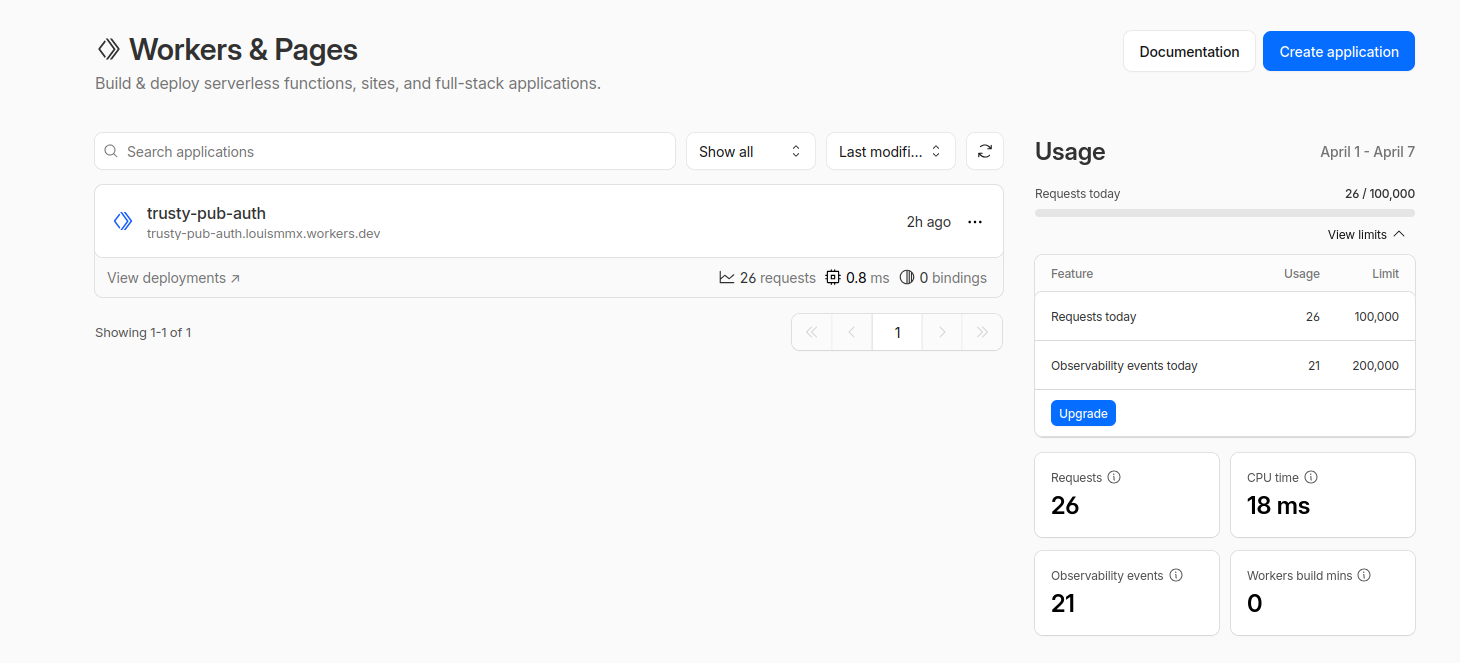
I set up my first CloudFlare Workers app to keep the GitHub OAuth secret, well, secret.
It's a familiar concept to AWS Lambda, except without the hell that is IAM configuration and payment
setup. I was able to stand this up in maybe 5 mins tops: the main pages/buttons to note being the
Edit code button to replace the default 'hello world' app with the worker source code for auth
handling, and the Settings tab for a given worker (i.e. serverless function) in which you can add
the 2 Variables (ALLOWED_ORIGIN which was https://lmmx.github.io for my static site, and GITHUB_CLIENT_ID which you get from the GitHub OAuth App creation step) and one Secret (GITHUB_CLIENT_SECRET, a private credential that cannot be put on the frontend or checked into your repo).
This let me add an 'admin login' button to the web page, taking you to a GitHub OAuth app to grant the app permission (once), and subsequently allowing you to track URLs in the web page (which are immediately added to the table of packages with associated tracking issues on the page, as well as re-building the site to reflect the same changes on CI behind the scenes).
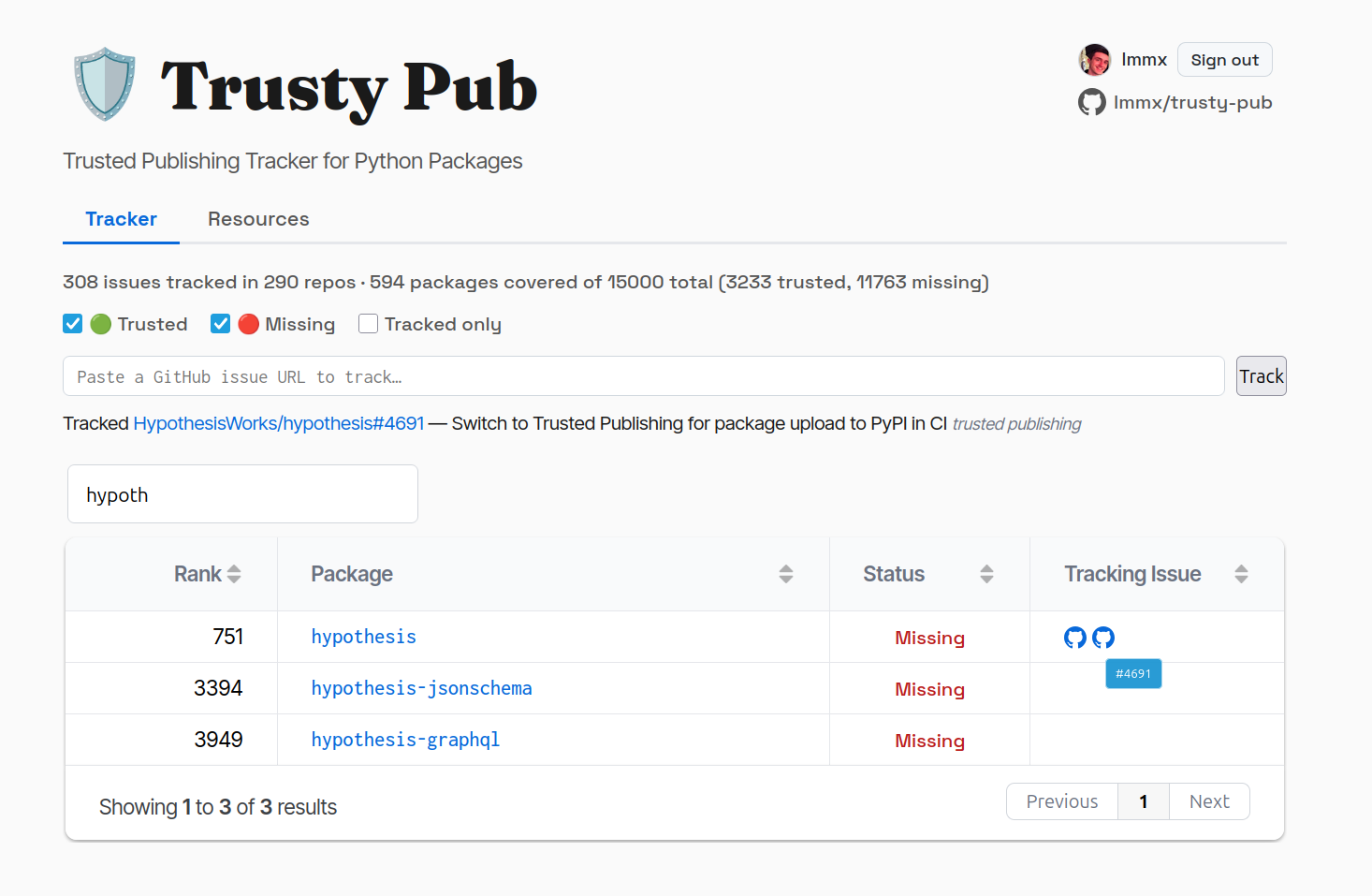
- I tracked this URL for the hypothesis Python package's tracking issue regarding Trusted Publishing by the new commit mechanism, from the same static site tabulating them.